Help
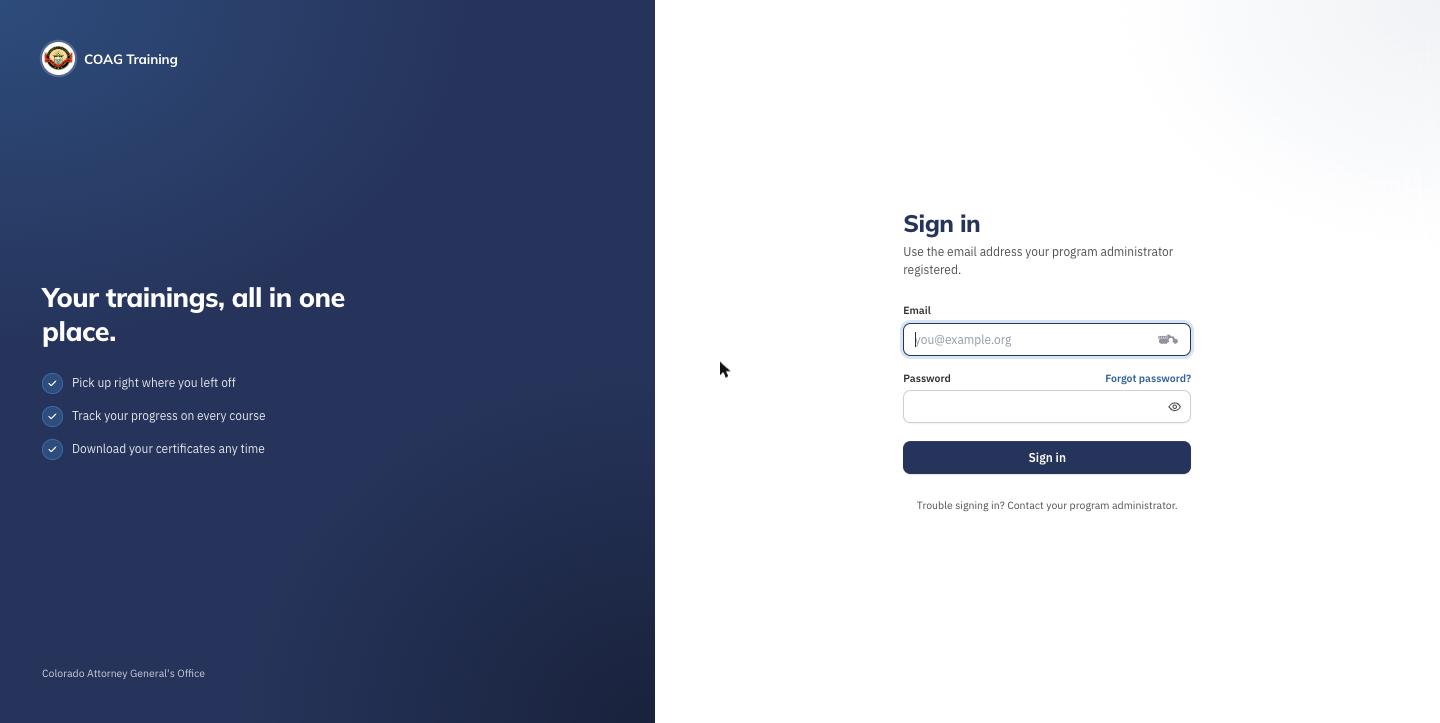
Trouble signing in? Contact your program administrator.
Sign in
- Open the invitation email and follow the link to set your password (at least 12 characters). The link works once; if it has expired, request a new one on the same page.
- Sign in with the email address your program administrator registered and your password.
- Forgot your password? Click Forgot password?, enter your email, and click Email me a reset link.
Your trainings
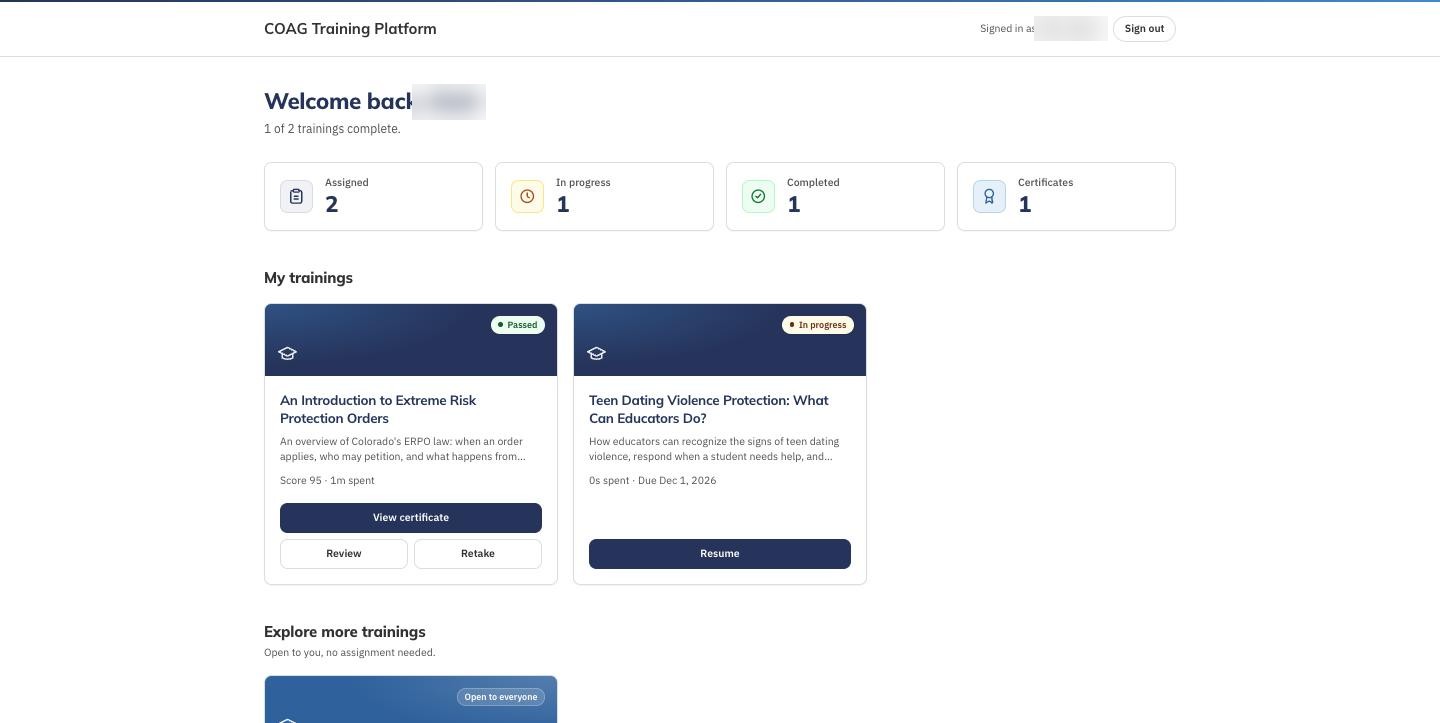
After you sign in you land on your dashboard. My trainings lists the courses assigned to you with their status (not started, in progress, completed or passed) and any due date. Explore more trainings lists courses any signed-in learner can take.
Take a training
- Click Start training. The course plays in the page; Full screen gives it the whole screen.
- Stop whenever you like — your place is saved automatically. Resume picks up where you left off, even on another computer.
- Finish the course and any quiz. Some trainings need a passing score for a certificate.
- Review replays a finished training without changing your results. If retakes are allowed, Retake starts a fresh attempt; earlier results stay on record.
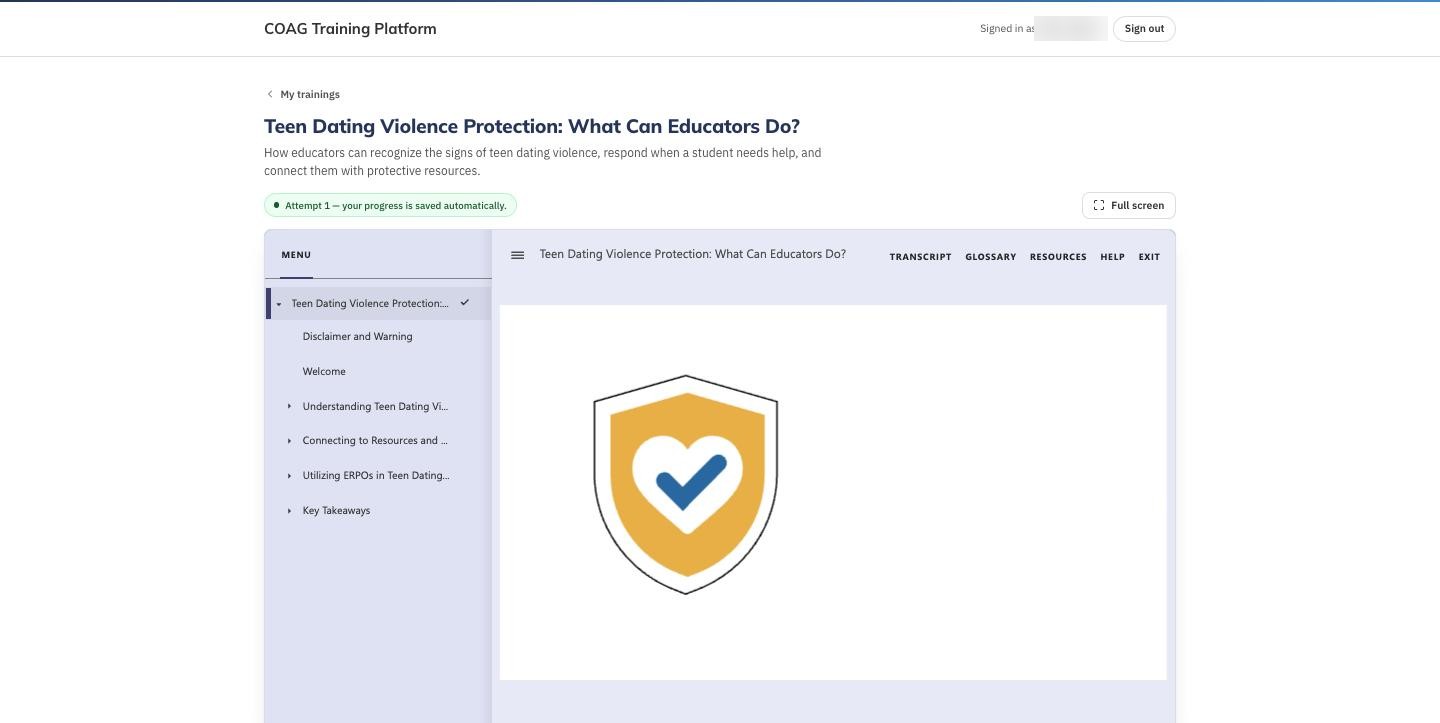
Trainings marked Open to everyone need no account, but your progress is only saved — and a certificate only issued — when you are signed in.
Certificates
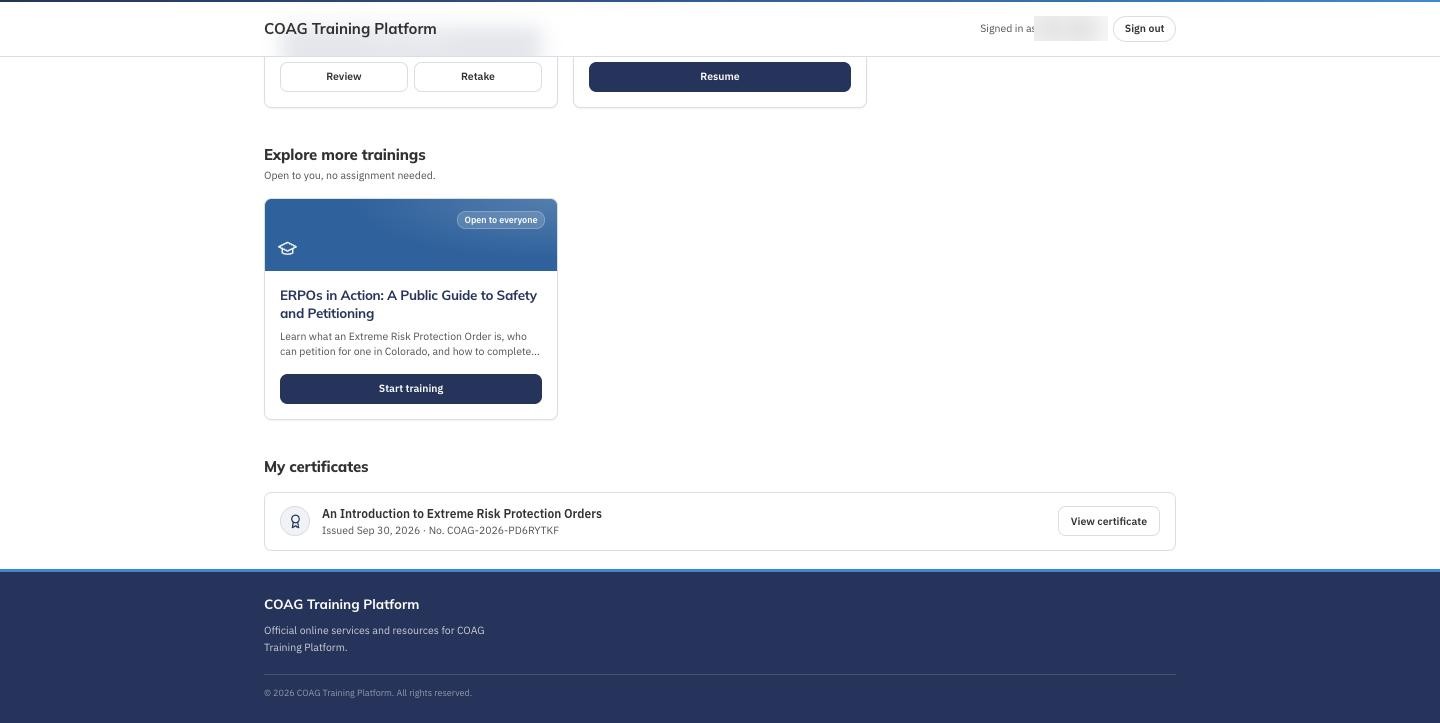
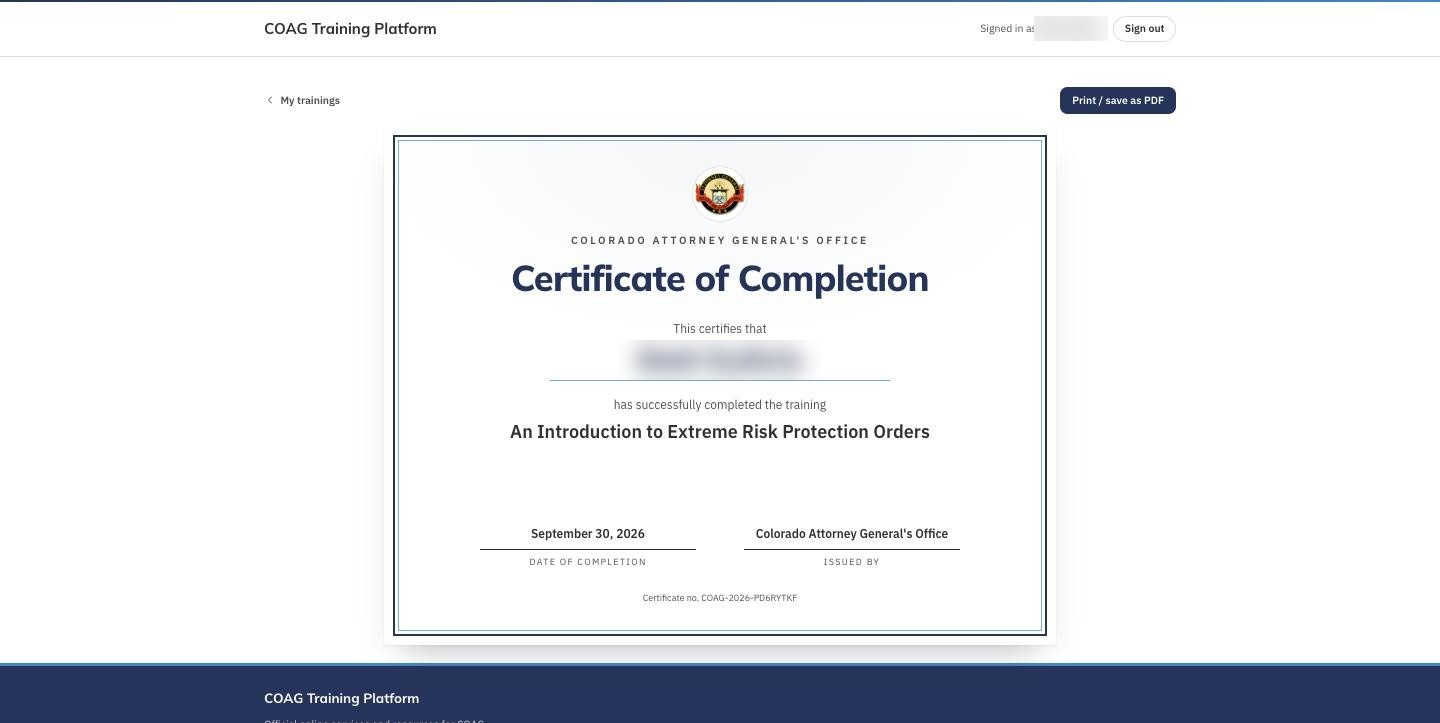
When you complete or pass a training, your certificate is issued automatically and listed under My certificates. Click View certificate, then Print / save as PDF — choose Save as PDF in the print dialog to keep a copy. Each certificate has a unique number your program administrator can check.